
Teach, your way.
Spend less time on admin and more time teaching the way you want to, then leave work at work.

Everything you teach, in one place.
Your lesson plans, assessments, to-dos and team updates live in one workspace and link to each other. Plan a lesson, and the marks, follow-ups and notes that come from it stay attached.

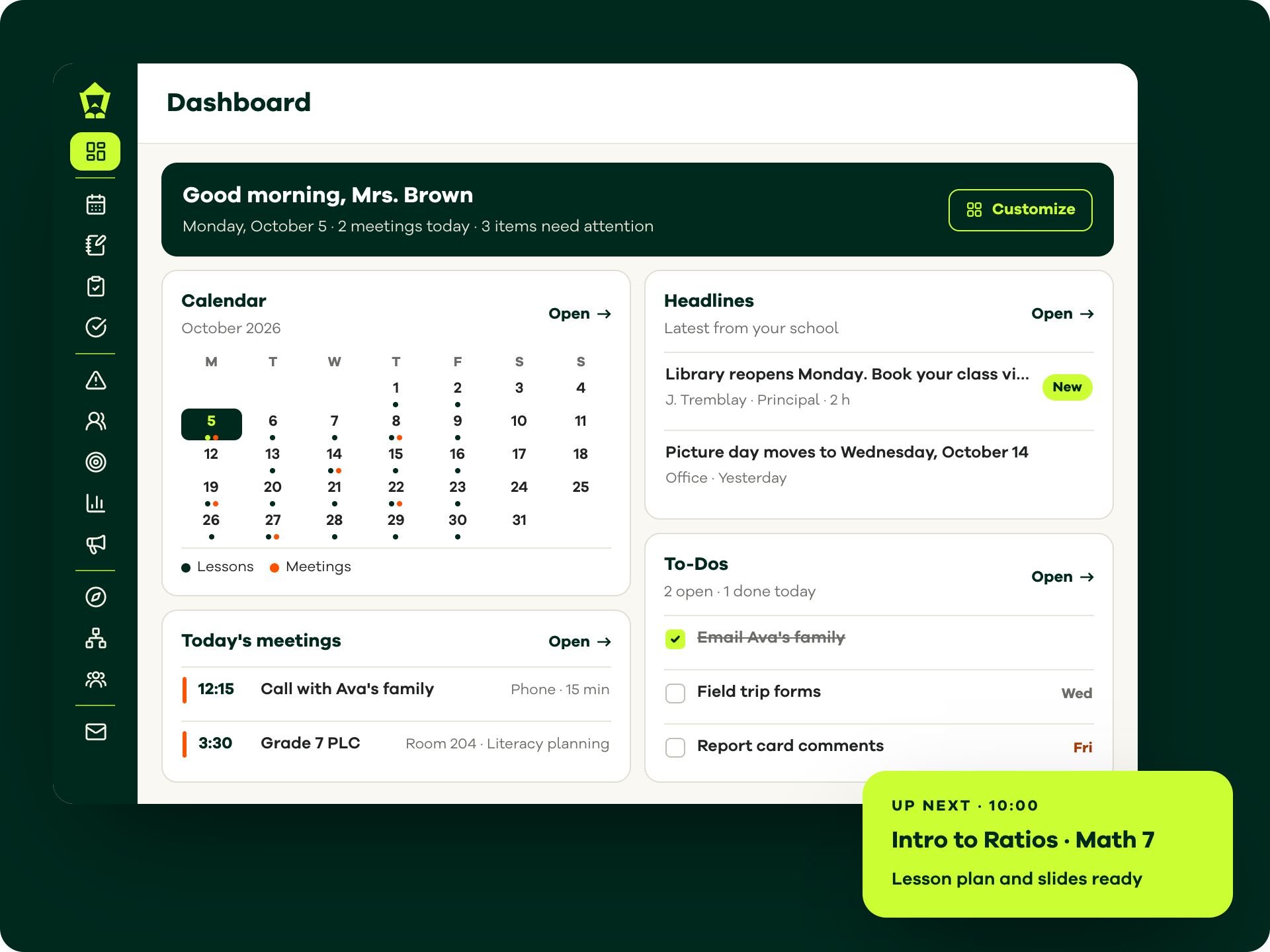
See your whole day.
Have one home for your day: your plans, your tasks, and your team's updates, without hunting across apps.

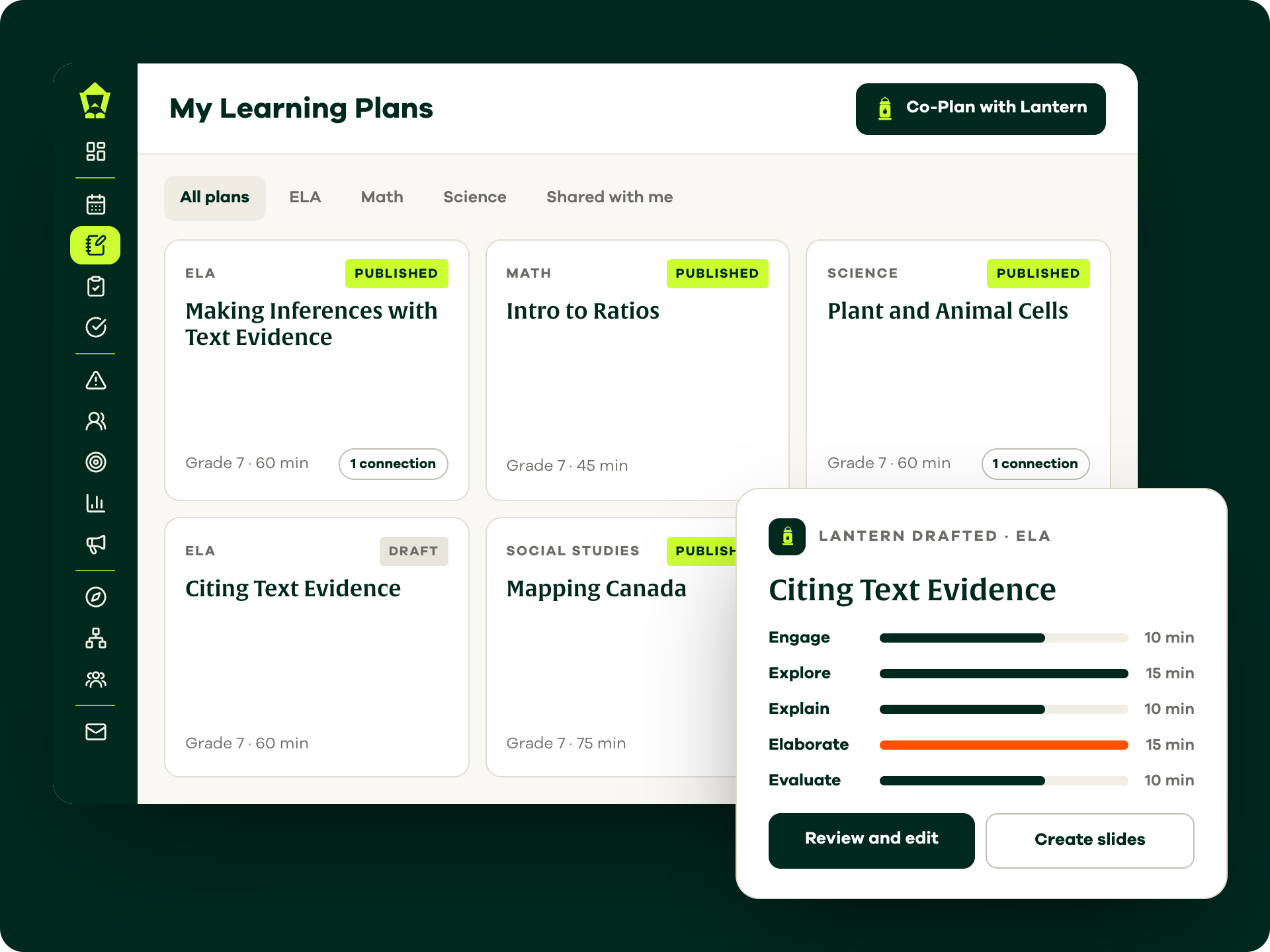
Plan the way you think
Build lessons in a format that fits how you actually work. Map to your curriculum and adjust on the fly.

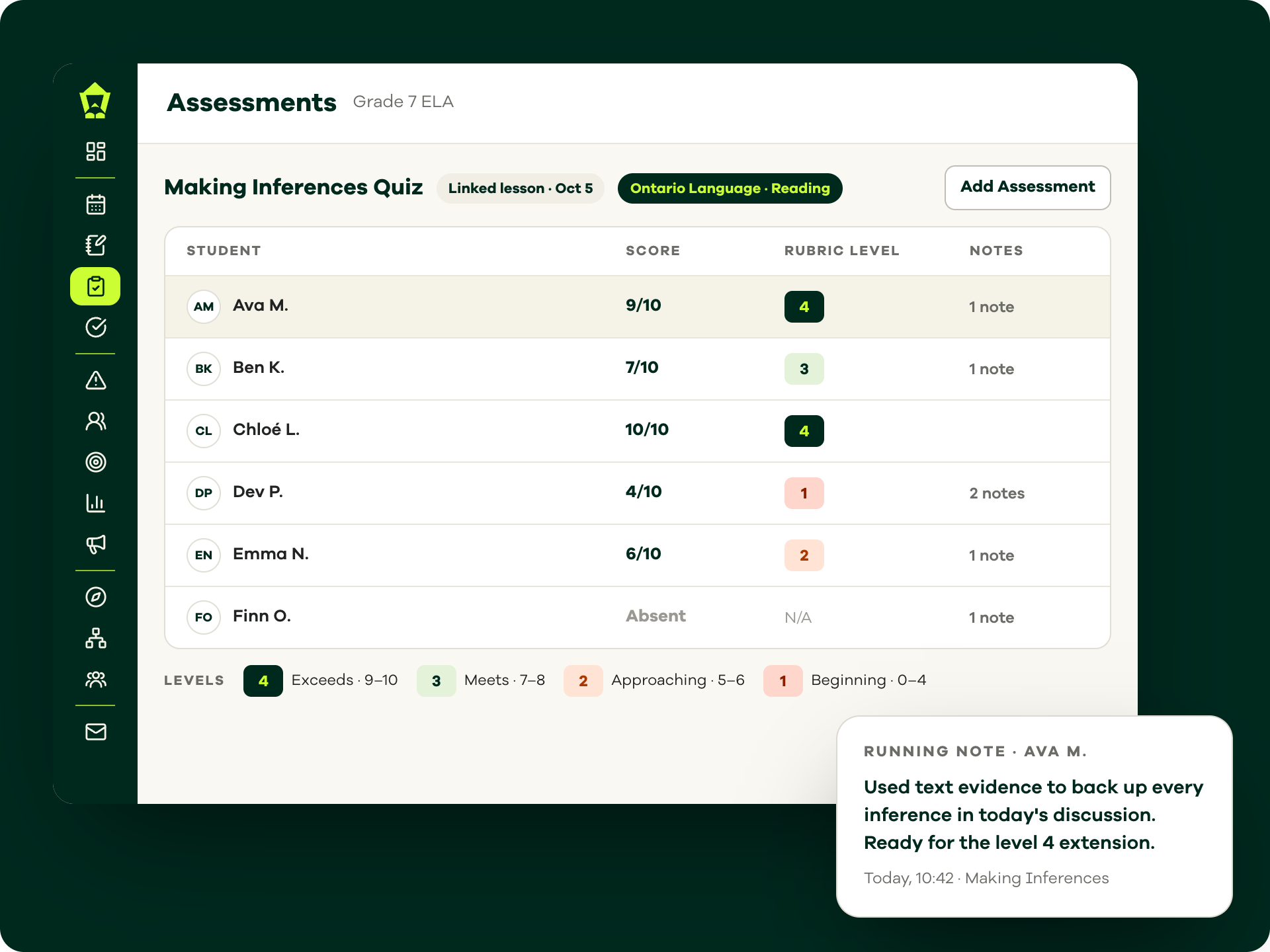
Know how your students are doing
Record marks, rubrics, and running notes in one place that connects straight to your plans, so each student's progress sits right beside the lesson it came from.

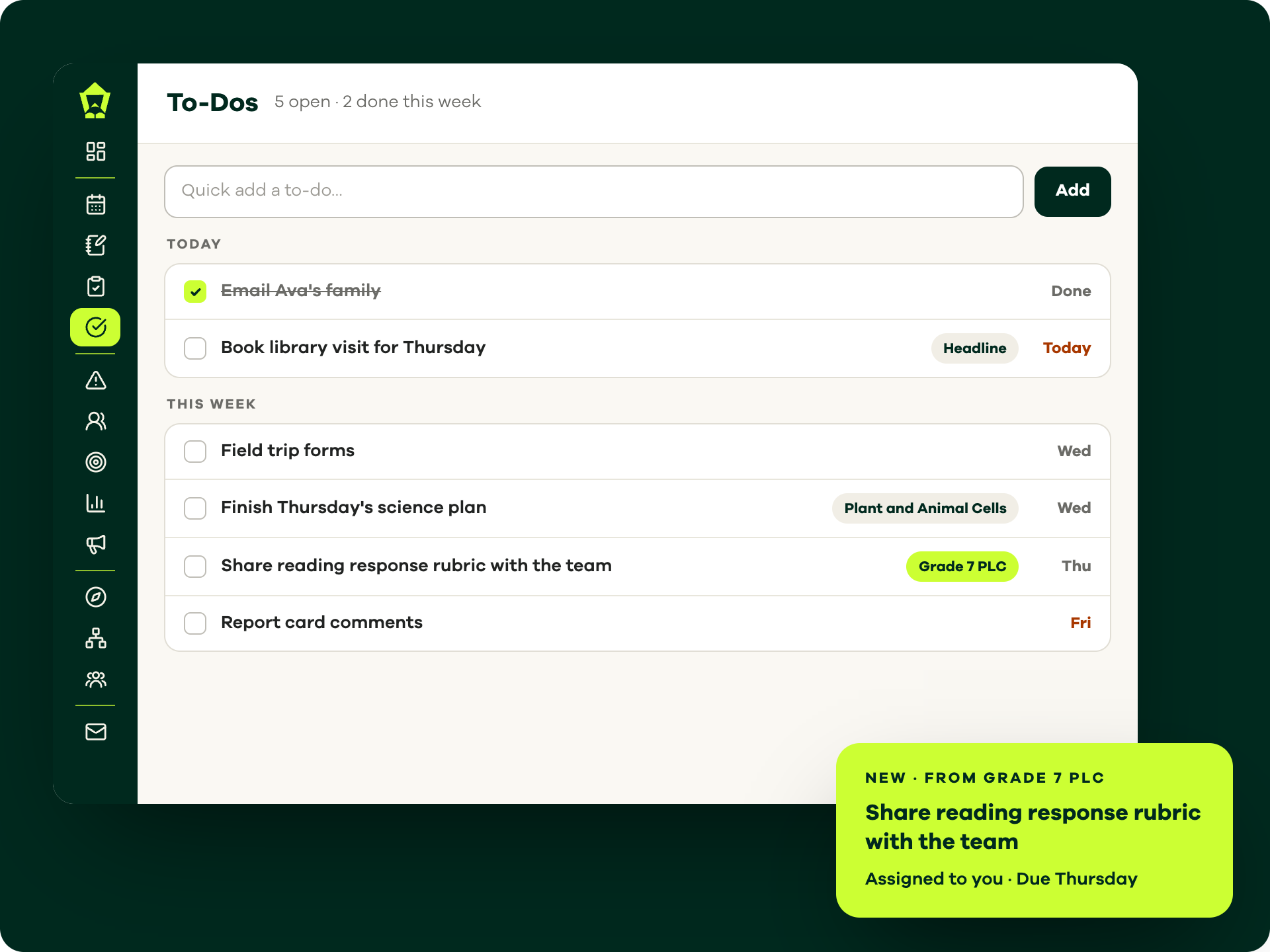
Stay on top of it all
Every deadline, reminder, and follow-up in one running list, so nothing slips through the cracks of a busy week. Check it off and move onward.
A teaching week with Lamppost
- Monday1
Start the week ready
Today's lessons, slides and meetings are waiting on your Dashboard the moment you log in.
- Tuesday2
Adjust on the fly
Lesson ran long? Move it to another day and decide what shifts. Your week, your call.
- Wednesday3
Mark with the lesson
Record scores, rubric levels and running notes with the lesson each one came from.
- Thursday4
Catch every follow-up
Follow-ups from team meetings land straight in your To-Dos, each with a due date attached.
- Friday5
Next week, done early
Map next week in My Learning Plans during prep. Lantern drafts a first pass, so Sunday stays yours.
Built for the classroom
Experience the day-to-day difference of teaching with Lamppost.

Get your time back.
Finish your day at school and actually unplug when you leave, so your evenings and weekends go back to being yours.

Canadian, through and through.
Built in Canada. Made for your curriculum, your context, and the way your classroom really runs. Not a US tool bent to fit.

Quiet the noise.
Trade the scattered tabs, sticky notes, and group chats for one calm workspace, and the headspace that comes with it.
Lamppost works for your whole school
Lamppost connects classrooms, schools and districts in one platform. See how the platform connects or browse the problems Lamppost solves.
Can one teacher use Lamppost without their whole school?
Yes. Any teacher can start on the Base plan, which is free and never expires, and upgrade to Pro at any time for more features. Schools, boards and districts can bring every educator onto one shared plan.
Is Lamppost aligned to my provincial curriculum?
Yes. Lesson planning follows your provincial curriculum, so the outcomes you need to cover are built into the planner.
Is AI making decisions for me?
No. Lantern drafts lesson plans, worksheets and slides for you to edit, and you decide what gets used. It's a helper. You're the boss.
Can I claim Lamppost as a school supply expense?
We expect a Lamppost subscription to be eligible for the Canada Revenue Agency's educator school supply tax credit. Check with the CRA or a tax professional to confirm.
Does Lamppost work with Google Workspace and Microsoft 365?
Yes. Connect your Google Workspace for Education account, including Classroom, Calendar, Gmail and Docs, or your Microsoft 365 account. More integrations are coming soon.
Resources
Read more about how Canadian educators like you are thriving in their classrooms.

Make your classrooms shine with Lamppost
Start your 30-day free trial today.